SSHIFT - Web-based SSH/SFTP Terminal Client for the AI Stack





A modern, responsive web-based SSH and SFTP terminal client built with Node.js, Express, and xterm.js. Designed for the AI coding workflow — featuring tab flash notifications that alert you when AI tools like OpenCode or Claude are waiting for your input, so you never miss a prompt while multitasking. Also features excellent TUI support, tabbed sessions, bookmarks, and mobile-friendly design.
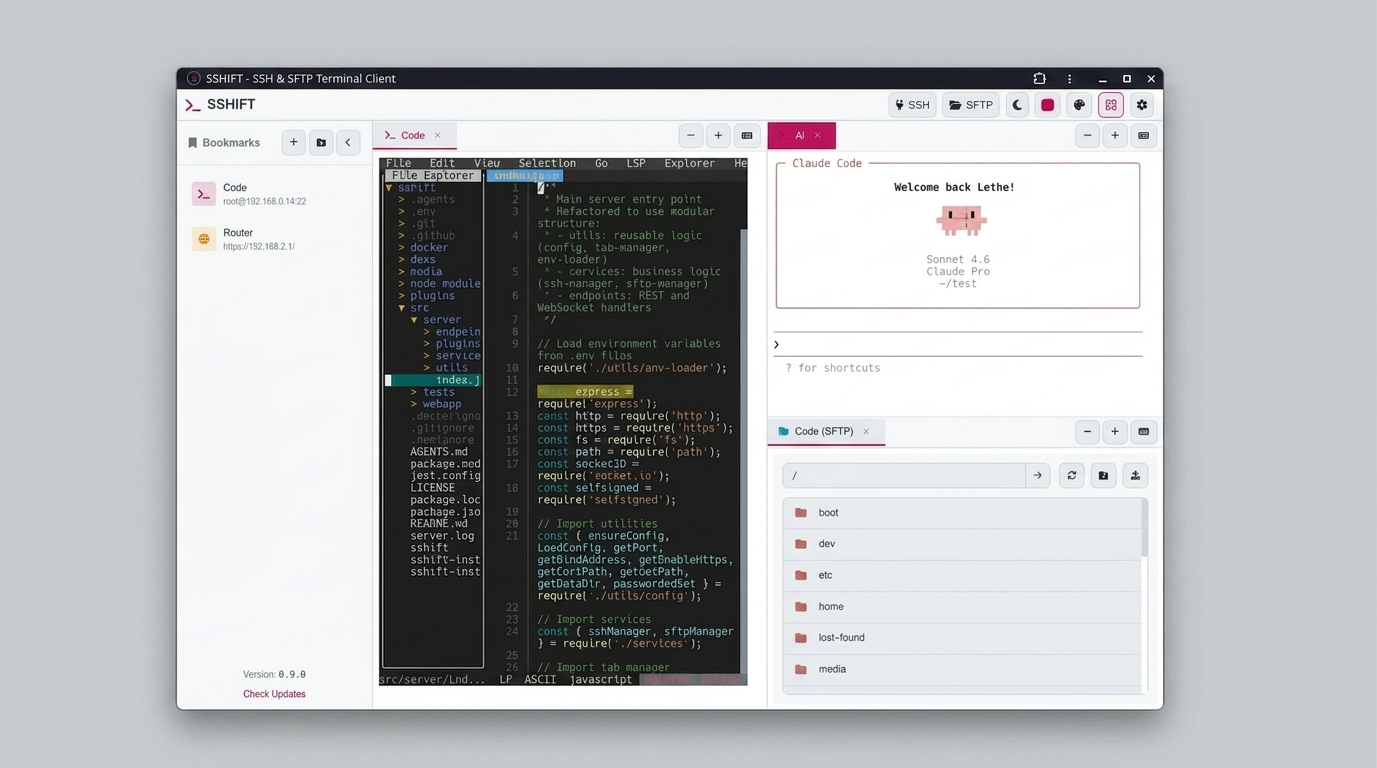
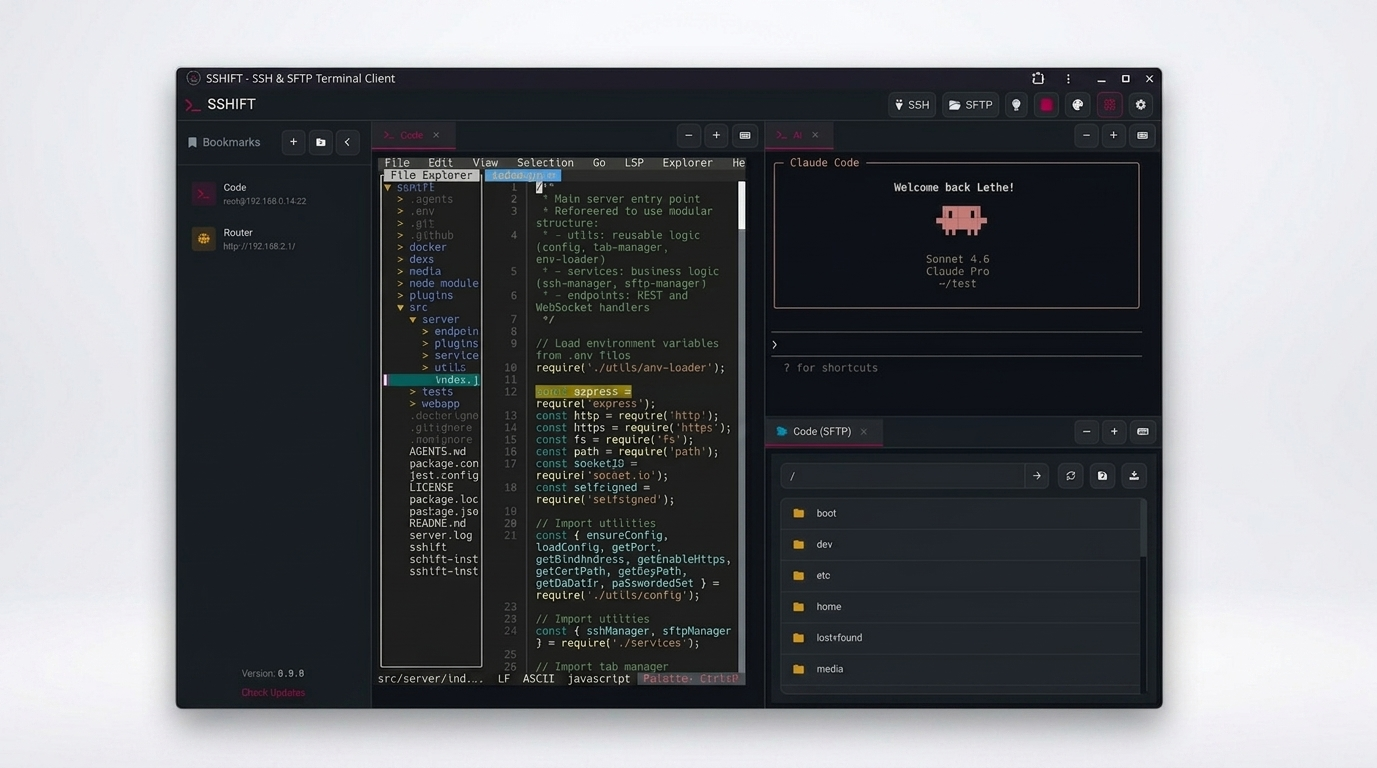
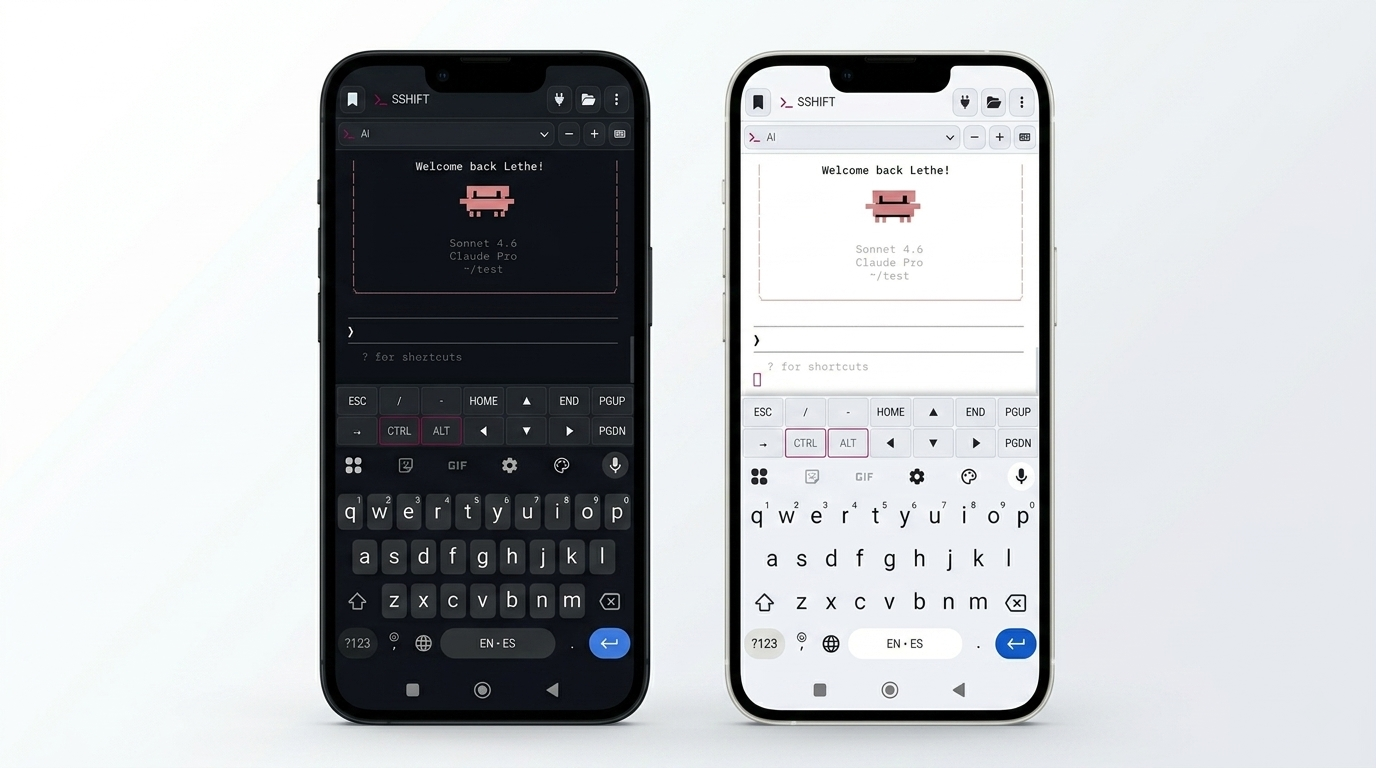
📸 Screenshots
✨ Features
🔐 SSH Terminal
- Full-featured terminal emulation with xterm.js
- Excellent TUI support (vim, nano, htop, tmux, etc.)
- 256-color and true color support
- Proper terminal resizing
- Clickable web links
- Alternate buffer support (for TUI applications)
🤖 AI Attention Alerts
- OpenCode — Detects when OpenCode is waiting for input (spinner patterns ⬝ ■ ▣)
- Claude Code — Detects when Claude is waiting for input (braille spinners, ·✢✳✶✻✽, prompt patterns like “❯”, “Do you want”, “Allow”)
- Tab flash notifications so you never miss a prompt while multitasking across tabs
- Configurable debounce, idle threshold, and cooldown settings
📁 SFTP Browser
- Browse remote directories with a file manager interface
- Download files (click to download)
- Upload files (drag & drop or file picker)
- Create directories
- Delete files and directories
- File size and permissions display
🗂️ Tabbed Interface
- Persistent background SSH sessions stay alive while browsing
- Multiple concurrent SSH and SFTP sessions
- Switch between sessions with tabs
- Visual session indicators
- Easy tab management (close, reorder)
- Session persistence
🔖 Bookmarks
- Save connection details for quick access
- Edit and delete bookmarks
- Persistent storage in configuration file
- Quick connect from sidebar
⌨️ Special Keys Popup
- Mobile-friendly special keys input
- Ctrl+C, Ctrl+D, Ctrl+Z, etc.
- Function keys F1-F12
- Arrow keys and navigation keys
- Triggered by clicking on tabs (mobile)
🎨 Modern UI
- Configurable themes - light/dark, accent colors, terminal color schemes
- Easy on the eyes
- High contrast for readability
- Fully responsive design
- Works on desktop, tablet, and mobile
🚀 Quick Start
The recommended way to install sshift - automatically handles updates and autostart configuration:
Linux/macOS:
curl -fsSL https://raw.githubusercontent.com/lethevimlet/sshift/main/sshift-install.sh | bash
Windows PowerShell (Admin):
Invoke-Expression (Invoke-WebRequest -Uri "https://raw.githubusercontent.com/lethevimlet/sshift/main/sshift-install.ps1" -UseBasicParsing).Content
The installer will:
- Install Node.js 20+ if not present
- Install sshift globally via npm
- Start sshift after installation
- Configure autostart (optional, systemd on Linux, launchd on macOS, Task Scheduler on Windows)
- Create config at
<PACKAGE_DIR>/.env/config.json - Print summary with HTTPS access links
For detailed installation options, see the Installation guide.
📖 Documentation
- Installation - Installation methods and configuration
- Docker - Docker deployment and usage
- Configuration - Configuration files and options
- Plugins - AI attention alerts and plugin system
- API Reference - Socket.IO events and API
- Testing - Running and writing tests
- Contributing - How to contribute
🛠️ Technology Stack
Backend
- Node.js - JavaScript runtime
- Express - Web server framework
- Socket.IO - WebSocket communication
- ssh2 - SSH2 client and server modules
Frontend
- xterm.js - Terminal emulator
- xterm-addon-fit - Terminal resizing
- xterm-addon-web-links - Clickable links
- xterm-addon-search - Search in terminal
Development
- ESLint - Code linting
- Puppeteer - Browser testing
📞 Support
- Issues: GitHub Issues
- Discussions: GitHub Discussions
📄 License
This project is licensed under the MIT License - see the LICENSE file for details.
🙏 Acknowledgments
- xterm.js - Terminal emulator for the web
- ssh2 - SSH2 client and server modules
- Socket.IO - Real-time bidirectional event-based communication
Made with ❤️ by the SSHIFT Team